Lean Six Sigma (LSS) Tools
Featured below in various categories are specific tools to help you enhance efficiency and reduce waste. Explore the process improvement tools, templates and examples included.
Process Flow Tools
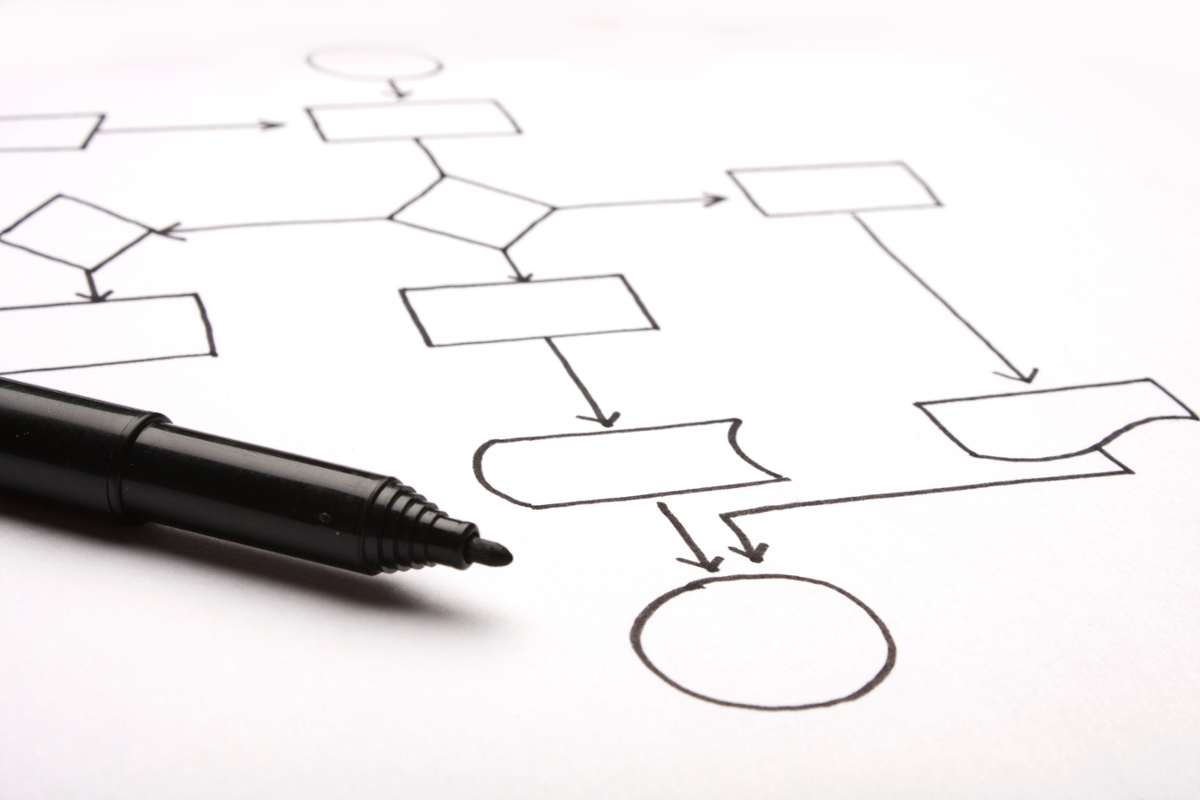
Process flow tools visually document a process and help promote an understanding of current state processes. It further enables teams to identify areas of process gaps, delays, rework loops, etc. that may lead to opportunities for improvement. The following are tips for consideration when using these tools.
Tips:
- Observe the process directly: walk the process and talk to the staff to find out what is really going on.
- Involve everyone who is involved in the process or, if not feasible, a cross representation of all who work in the process.
- Establish practices which make process maps living documents – refer to them in team meetings, use in training and retraining, update with each process change, etc.
- Use current/as-is process map to capture the process as it works today.
- Use ideal/future/should-be process map when a major process redesign is required by asking “what would we do if we could start from scratch?”
- Use updated/to-be process map to describe the new process flow after changes are implemented.
The tools listed below provide an overview, tips, example, template, and a short explainer video.
Basic Flowchart (Process Map)
A visual representation of the separate steps and decision points in a process in sequential order. It is a generic tool that can be adapted for a wide variety of purposes, and can be used to describe various processes, such as a manufacturing process, an administrative or service process, or a project plan. Flowcharts are often referred to as process maps; it is important to note that process maps can be much more detailed than flowcharts and can also contain a timeline.
Instructions:
- Open the flowchart template and review the common symbols and meanings on slide two.
- Define and title the process to be diagrammed.
- Discuss and decide on the boundaries of the process (start and end).
- Discuss and decide on the level of detail to include in the diagram.
- Brainstorm as a team the activities that take place. Write each on a sticky note.
- Arrange the activities in a logical sequence.
- When all activities are included and everyone agrees that the sequence is correct, draw arrows to show the flow of the process.
Tips:
- A lot of ideas come up when starting to create a flowchart. To keep focused on the primary task, create a “Parking Lot” to capture important ideas, including process improvement ideas, assumptions, questions, out-of-scope issues, and ideas.
- Digitize the process using PowerPoint or other tools such as Microsoft Word, Visio, Lucidchart, and Promapp.
- Utilize the PowerPoint template below as a starting point and modify as needed using the Insert/Shapes menu in the top navigation.
Swim Lane
A swim lane flowchart identifies the major functional groups involved with identified activities (the “who” in “who does what”). It makes it easy to study handoffs between people or work groups in a process and identify potential queues, rework loops, etc. It is especially useful with administrative and service processes.
Instructions:
- Review common symbols and meanings. Follow the step-by-step guide.
- Identify the different people or job functions involved in the process. List them down the left side of a flip chart or whiteboard, creating swim-lanes for the different players.
- Brainstorm the steps in the process and write them on sticky notes.
- Work through each step in order, placing the notes in the appropriate swim-lane.
Tips:
- Use the final swim-lane flowchart to identify opportunities for improving the workflow.
- Avoid repeated handoffs back and forth between individuals or functions. Try to combine or re-sequence work so one person or group can complete all their tasks at once.
- If missing or incomplete information is the source of back-and-forth, try to mistake-proof the process so that work cannot move on to the next step unless complete or accurate to that point.
- Digitize the process using PowerPoint or other tools such as Microsoft Word, Visio, Lucidchart, and Promapp.
- Utilize the PowerPoint template below as a starting point and modify as needed using the Insert/Shapes menu in the top navigation.
SIPOC Diagram
A high-level 50,000-foot view to identify the basic elements of a process and stands for supplier, input, process, output, and customer. It is most useful to do a SIPOC diagram at the beginning of the project to capture a high-level view of the process.
Instructions:
- Assemble the project team and gather materials. Select wall space large enough to accommodate the completed diagram.
- Use five sticky notes as headers, one for each SIPOC.
- Begin with the PROCESS first.
- Agree on FIRST and LAST steps of the process first (use process boundaries).
- Fill in the remaining steps of the process in five to eight high level steps.
- Use a verb to describe the action for each process step.
- One step per note.
- Do not discuss process steps in detail.
- Identify each CUSTOMER of the process and the OUPUT(s) that they received.
- Identify each critical INPUT required for the process and the SUPPLIER that provides it.
Tip:
- Clearly define the start and end points of the process. These should align with the project scope to ensure clarity and focus.
Spaghetti Diagram
A type of process map that visually shows the physical flow of work or material. It maps the actual path taken by the workers as they travel through the work area and is named so because the route typically looks like a plate of spaghetti. The Spaghetti diagram is typically used to improve the physical layout of a workspace (e.g., office, factory, store, warehouse).
Instructions and Tips:
- Find or create a diagram of the workspace.
- Work from an existing flowchart of the process steps or brainstorm the list of steps.
- Mark where the first step of the process happens, draw a line to where the second step happens, etc. Continue this until all steps have been mapped.
- Discuss the final diagram with the goal to improve the workflow.
- If the lines crisscross, experiment with workspace arrangements to create a cleaner flow, reduce handoffs and delays.
- Identify locations where lines repeatedly return to one location and determine if tasks can be combined and performed at the same time.
- Prevent backtracking.
Time Observation Sheet
A simple time-based tool to capture “what actually happens” in a process, completed by observing and writing the steps in the process, the running time, notes, and possible types of waste and issues. Observing a process in action creates a deep understanding of reality, helps identify and quantify value and non-value-added steps, and sparks ideas about opportunities for improvement and solutions.
Instructions:
- Start by clarifying the purpose of the observation – is this a general walkthrough or is there a specific purpose (e.g., observing handoffs at a specific step) .
- Identify the observers – if possible, include both experienced and novice staff.
- Prepare an observation form (template included below for reference) and train observers in how to use the form.
- Walk the process and document observations.
- Discuss the results and use as an input for the process improvement project.
Tips:
- Prepare staff in the workplace – alert people in the affected work area about the timing and purpose of observation, get permission from the process owner, supervisor or manager.
Value Stream Map
The purpose is to capture all key flows (work, information, materials) in a process and important process metrics. More complicated to construct than other flowcharts, a value stream map is more useful in identifying and quantifying waste, especially time and costs.
Instructions:
- It is helpful to create SIPOC or swim-lane flowchart first to identify the basic steps.
- Draw the process flow, starting at the end with what’s delivered to the customer and work upstream. Place all activities in a sequence on the map.
- Add the flow of materials, including inspection and testing materials, and place suppliers at the beginning of the process.
- Add the information flow between activities. Document how the process communicates with the customer and supplier as well as how the information is gathered (electronic, manual, etc.).
- Collect process data by observing the process in action. For each step, record the trigger that initiates it, setup time, processing time, takt rate (rate of customer demand), percent defective or scrap rate, number of people, etc.
- Add process and lead time data to the chart, including delays, value-added processing time, setup time, etc.
- Verify the map by having non-team members who know the process review the flow and data.
AI Prompt Instructions
To speed up development and improve an existing process, upload it to ZotGPT and use the following prompt:
As a Lean Six Sigma consultant experienced in process visualization, analyze the attached process map. Your audience includes project managers, process improvement teams, and department leads who are learning how to document workflows effectively. Maintain a clear, instructional, and supportive tone to guide practical application.
Format your response as follows:
- Area for Improvement – Identify a potential gap or opportunity to enhance the attached process map.
- Recommended Strategy – Suggest a specific improvement method or best practice for redesigning the attached process map.
- Rationale – Explain how this strategy improves clarity, efficiency, or process accuracy of the attached process map.
- Implementation Example – Provide a concrete example of how to apply this improvement to the attached process map.
After providing your recommendation, ask the following question so my team has the option to continue iterating ideas that can improve our attached process map: "Would you like me to elaborate on this strategy or suggest alternatives?"
The goal here is to provide actionable recommendations that make the attached process map easier to follow, more adaptable for future updates/changes, and a more valuable resource for ongoing process improvement.”